


Loading…
Loading…
Creator · CryptoEights
The reproduction prompt keeps the original and adds runtime, asset and acceptance requirements. These additions are not the author’s words.
Prompt to build the F1 Dashboard:

"Build a cinematic, high-end Formula 1 live dashboard using React, Tailwind CSS, and Framer Motion. The design should be dark, immersive, and feel like a professional broadcast overlay.

1. Layout & Background:
Set the background to be a full-screen, looping, muted video of a realistic F1 car driving on a track (use this video URL: ).

Overlay the video with a dark gradient (black to transparent) from the top, and a red radial gradient from the bottom to simulate an underglow effect.

Use a dark theme (bg-[#0a0a0a]) with white text.

Import and use Inter for standard text and Space Grotesk for large display numbers and headers.

2. Header & Hero Section:
Top bar: Include a back arrow icon, the title 'São Paulo Grand Prix 2026', and buttons for 'Live Updates' and 'Highlights', plus a small US flag icon.

Center hero: Display 'Formula 1' in massive, bold text (text-[140px]). Above it, add a small subtitle with the Audi rings logo (SVG), 'Powertrain', a German flag, and 'Neuburg, Germany'. Animate these elements to fade and slide up on load using Framer Motion.

3. Bottom Data Panels (Grid Layout):
Create three glassmorphic panels at the bottom (bg-[#111111]/60 backdrop-blur-xl border border-white/5):
Panel 1 (Max Speed):
Title: 'MAX SPEED'
Value: Create a custom React hook/component that smoothly animates a number counting up from 0 to 372.5 over 2.5 seconds. Display 'km/h' next to it.

Subtitle: 'Maximum speed recorded during test session'.

Panel 2 (Live Track Map):
Draw a custom SVG path representing an F1 circuit. Give the path a red/orange stroke with a glowing filter effect.

Add three driver markers (P1, P2, P3) that continuously animate along the SVG path using <animateMotion>.

The markers should include a small line pointing to the track, a colored box, and a tiny driver photo inside the box.
Below the map, show driver details: a Brazilian flag, 'Bortoleto', a clock icon with '8:05/MI', and an activity icon with a green '-0.142'.

Panel 3 (Current Lap Time):
Title: 'CURRENT LAP TIME' with a green up arrow.

Value: Create a custom React component that animates a timecode rapidly ticking up before stopping at exactly 1:11.310 over 3 seconds.

Add the driver's name 'Gabriel Bortoleto' and a Brazilian flag.

In the bottom right corner of this panel, place a cutout image of a driver that fades out at the bottom using a CSS mask ([mask-image:linear-gradient(to_top,black_50%,transparent)]).

4. Polish:
Ensure all panels stagger their entrance animations (fade in and slide up) when the page loads.
Use lucide-react for icons (ArrowLeft, Clock, Activity).

Make the layout fully responsive, stacking the bottom panels on mobile and placing them side-by-side on desktop."

Note on the video URL: The Streamable URL in the prompt contains an expiration token. If someone tries to build this in the future and the video doesn't load, they can replace that URL with any looping MP4 video link (like a Pixabay video) or re-upload a video to get a fresh link!Models & stability
Recommended models
Independent retest evidence
Aug 9, 2026
Independent reproductions
 Open reproduction ↗
GLM-5.3 单次生成;Codex 人工修复运行依赖、必要源码及移动布局,未重新生成。桌面/手机真实渲染和资源检查通过;完整功能与视觉还原尚未全部验收。源码、截图和修复记录见复现出处。
Reproduction source ↗Keep exploring
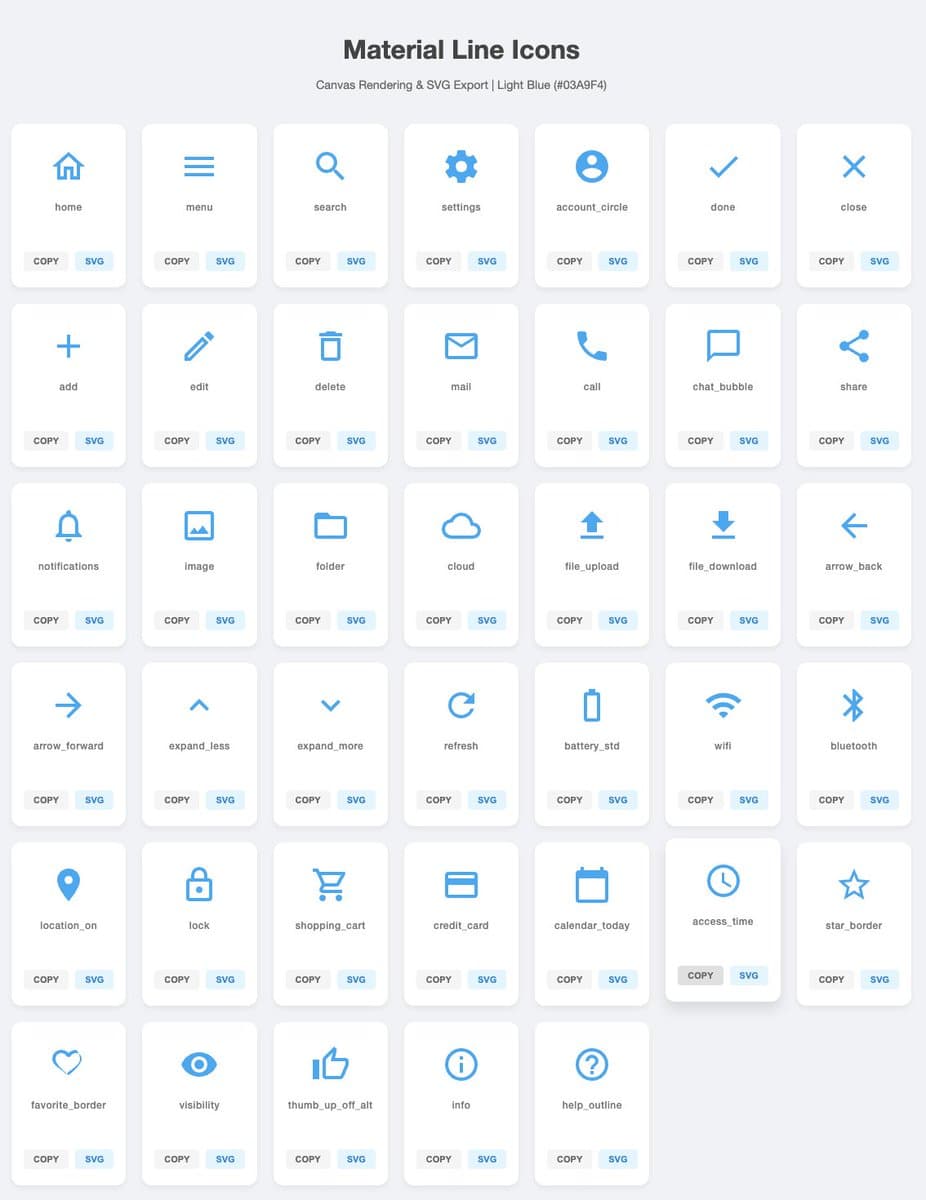
A Japanese prompt asking Gemini to generate 40 simple, versatile SVG icons in a light-blue line style, with a download button for each icon.
Prompt
Generate {argument name="icon_count" default="40"} types of simple, highly versatile icons in SVG format. Be sure to draw them on Canvas. Use {argument name="icon_color" default="ライトブルー"} for the color and {argument name="background_color"
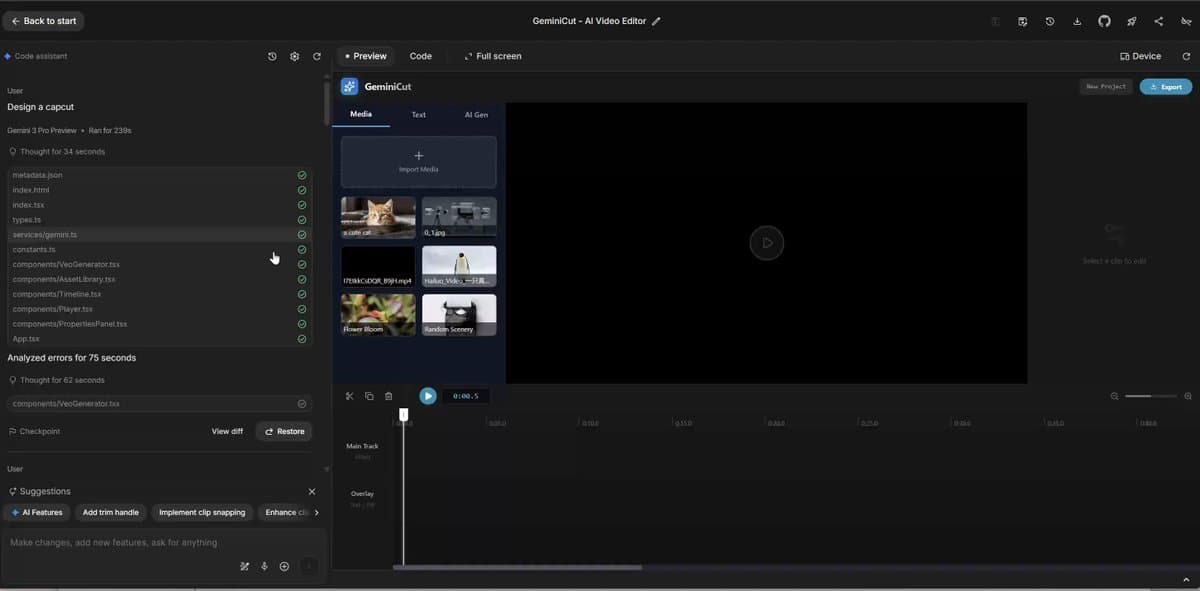
A very simple advanced prompt for using Gemini to design a CapCut-style video editing app interface.
Prompt
Design a {argument name="app_name" default="CapCut"}.
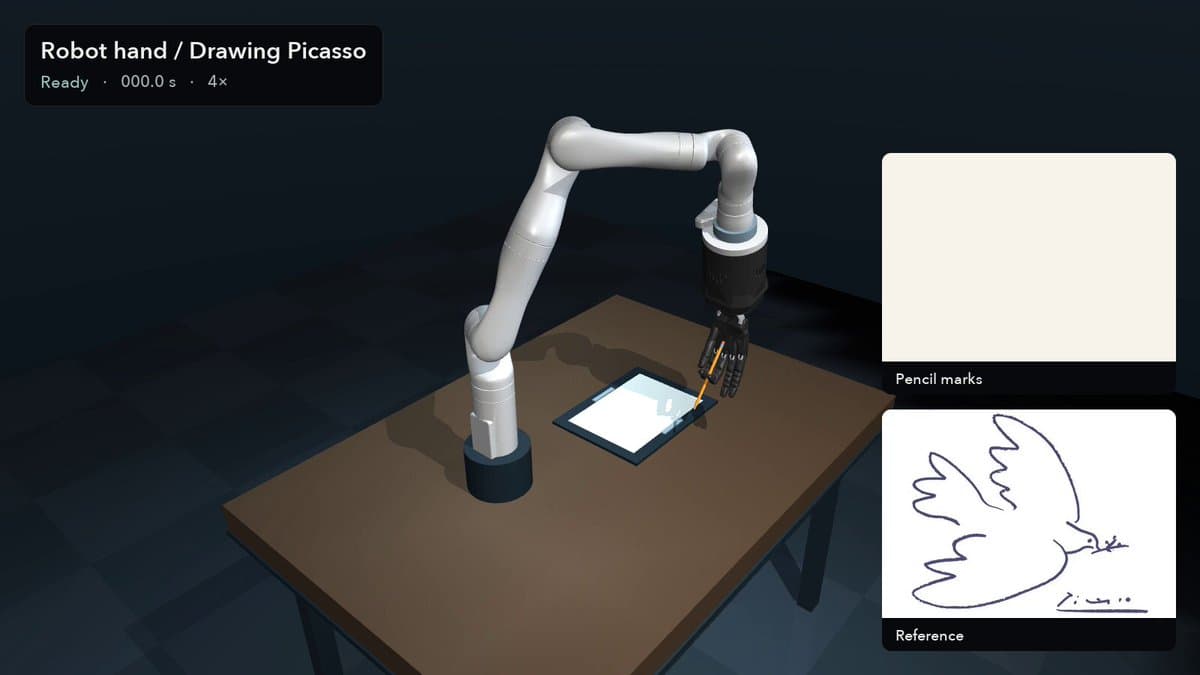
A guide to building a MuJoCo physics environment and developing a controller for a multi-fingered robot arm to draw artworks.
Prompt
build a MuJoCo setup and write a controller to draw Picasso’s dove using a robot arm and a five-fingered hand
Each detail page keeps the original result, the prompt, and retest evidence in one reading path.

