

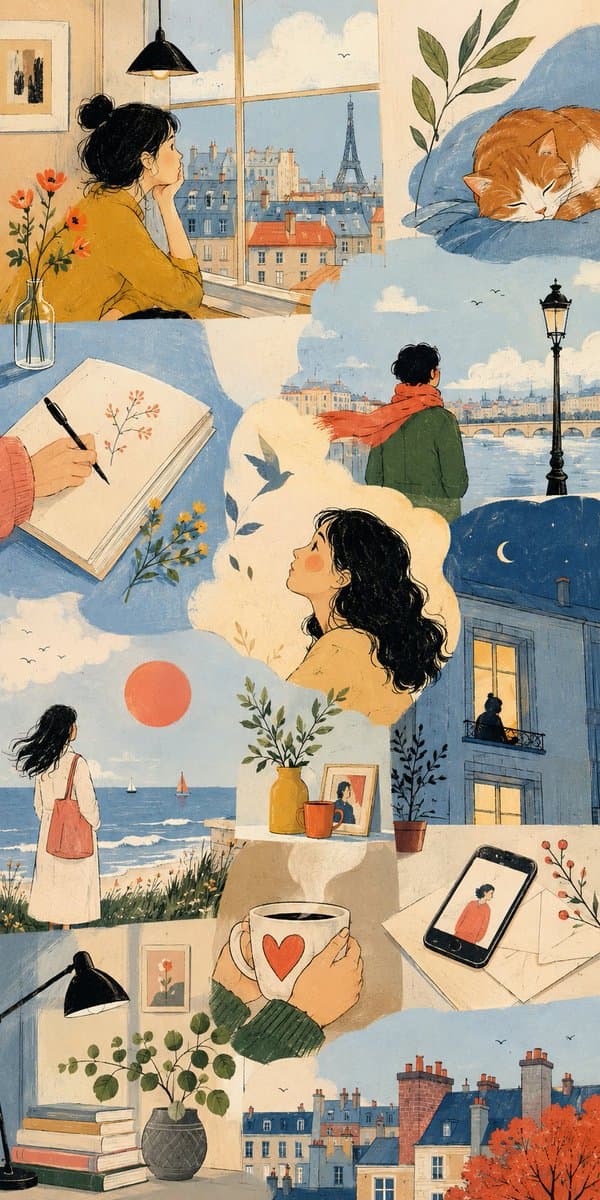
Loading…
Loading…
Creator · aimikoda
View original source ↗THEME = enter theme
STYLE = enter the style you want
PALETTE = enter the color palette
ASPECT RATIO = enter the aspect ratio you want
DO:
Create an artistic multi-scene collage built entirely around THEME.
Derive subjects, environments, objects, characters and visual events naturally from THEME.
Derive the emotional tone, atmosphere and energy naturally from THEME.
Use people, animals, objects, landscapes, architecture, abstract forms or any combination of them when they meaningfully support THEME.
Treat each scene as a distinct emotional or conceptual fragment from the same world.
Build the composition like an expressive editorial art spread rather than a storyboard or regular panel grid.
Freely vary the number, scale, proportions and placement of scenes.
Combine large dominant images with narrow vertical fragments, wide horizontal crops, small detail scenes and partially cropped compositions.
Stagger scene edges and shift their alignments to create an irregular visual rhythm.
Let some scenes extend fully to the canvas edge while others terminate against neighboring imagery.
Use occasional L-shaped, stepped or offset arrangements created naturally by neighboring scene proportions.
Avoid repeating the same rectangle size or alignment across the composition.
Keep scenes visually separate without visible frames or empty gaps between them.
Let neighboring scenes meet through irregular crop relationships while keeping their environments independent.
Do not blend separate locations into one continuous environment.
Keep the main subjects of each scene visually contained within that scene.
Use architecture, large color fields and negative space to shape the overall composition.
Connect neighboring scenes through color relationships, visual rhythm and thematic echoes rather than physically merging their content.
Choose environments and situations specifically suited to THEME.
Include occasional intimate fragments such as hands, objects, windows, silhouettes, architectural details or empty spaces when they strengthen THEME.
Give each scene a different visual scale, point of view and conceptual focus.
Use expressive lighting, shape, perspective and negative space according to STYLE.
Vary the emphasis of PALETTE from scene to scene while preserving overall harmony.
Maintain consistency whenever subjects, characters, objects or locations recur.
Keep the final composition visually clean, sophisticated and intentionally irregular.
CAMERA: varied editorial framing, environmental wides, cropped medium views, isolated details, unusual negative-space compositions, overhead fragments and off-center perspectives chosen according to THEME
RULES:
Use STYLE as the authority for medium, linework, texture, shading, shape design and overall rendering language.
Use PALETTE as the dominant color system across the image.
Let THEME determine subjects, setting, mood, symbolism and visual narrative.
Every scene must explore a different facet of THEME.
The composition must feel assembled, layered and rhythmically irregular rather than divided into uniform boxes.
Keep individual scenes independently readable while allowing their shapes and proportions to interact compositionally.
Use asymmetry, scale contrast, staggered alignment and varied cropping to create the collage structure.
Do not use visible panel outlines.
Render every surface freshly, with continuous natural texture flow.
Keep grain fine, stochastic, and evenly distributed across the frame.
Give each repeated element its own unique micro-variation.
Keep flat areas smooth with clean, unbroken tonal gradients.
Resolve fine detail crisply at native resolution, as a first-generation render.
NO: rigid grid, equal-sized panels, repeated rectangular boxes, visible panel borders, white gutters, margins, outer padding, blended environments, fused scenes, characters spanning multiple scenes, conventional comic-page layout, speech bubbles, captions, text, logos, watermarksModels & stability
Recommended models
Independent retest evidence
Sep 18, 2026

The requested model is recorded, but the generation receipt did not expose a verifiable underlying model ID.
Keep exploring
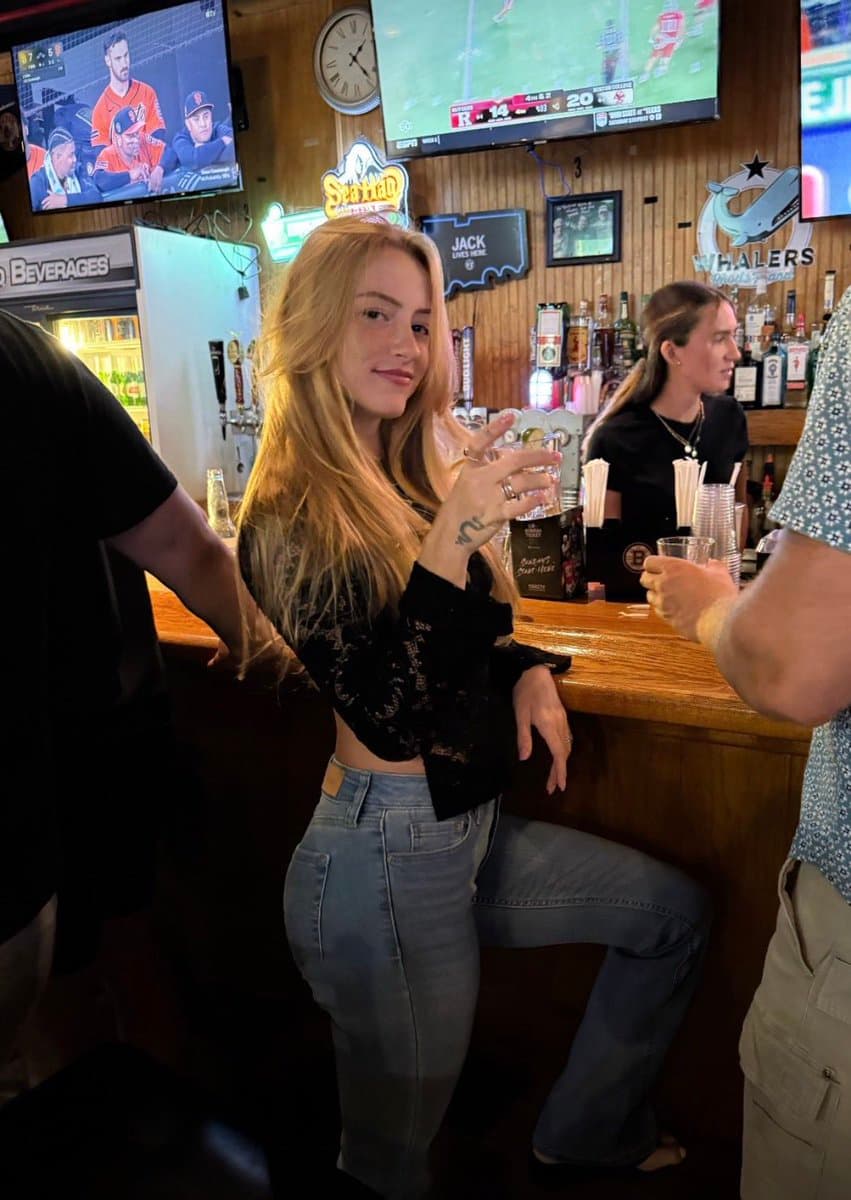
GPT image 2.5 Prompt: A sophisticated minimalist lifestyle art poster featuring [PERSON / SUBJECT / MOMENT] as the central focus, transformed from a real-life p…
Prompt
A sophisticated minimalist lifestyle art poster featuring [PERSON / SUBJECT / MOMENT] as the central focus, transformed from a real-life photograph into a refined hand-drawn editorial illustration. P…
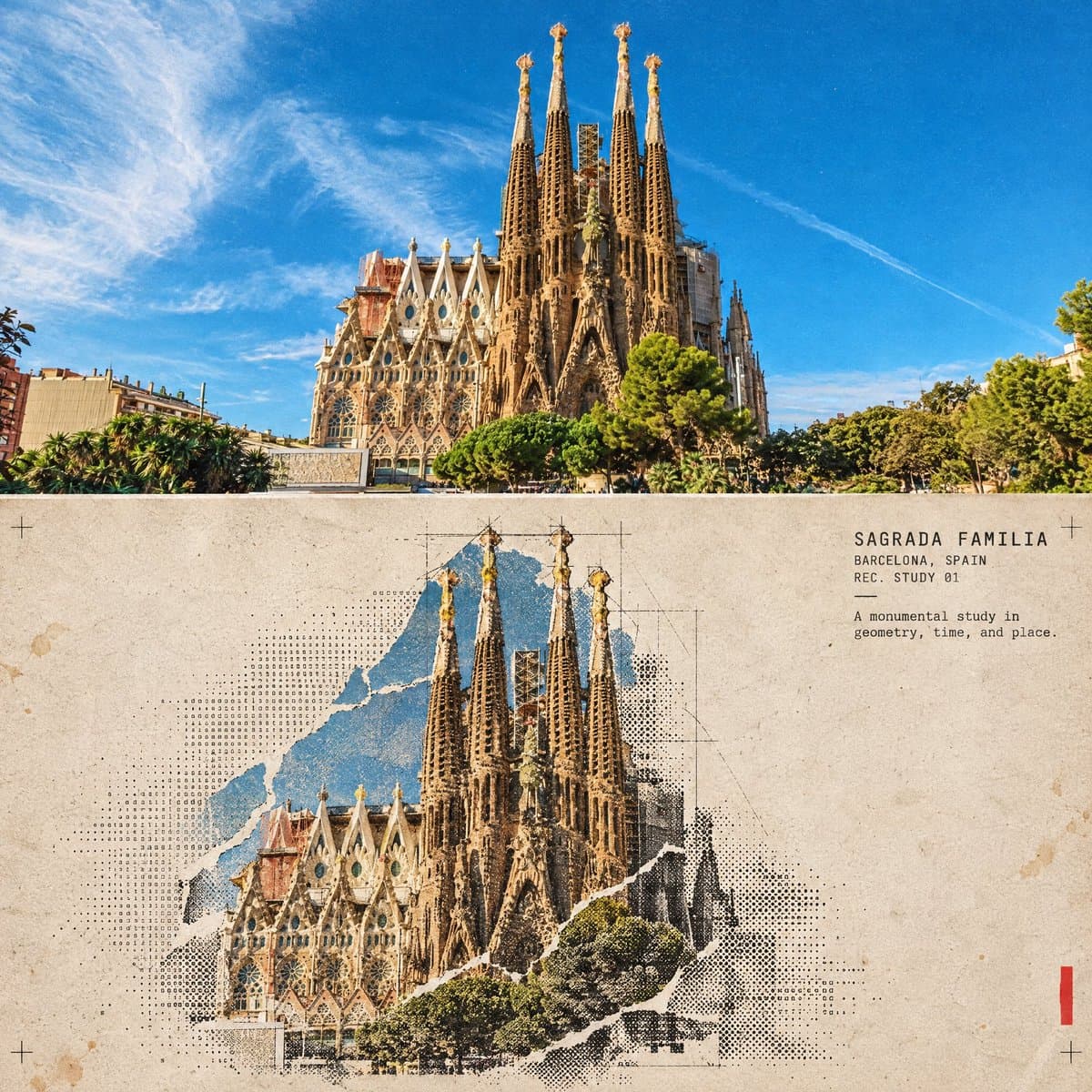
GPT Image 2.5 PROMPT Turn this structure photo into a single high-end halftone architectural travel-collage poster. Output one poster per uploaded photo — never…
Prompt
GPT Image 2.5 PROMPT Turn this structure photo into a single high-end halftone architectural travel-collage poster. Output one poster per uploaded photo — never merge multiple structures or photos …
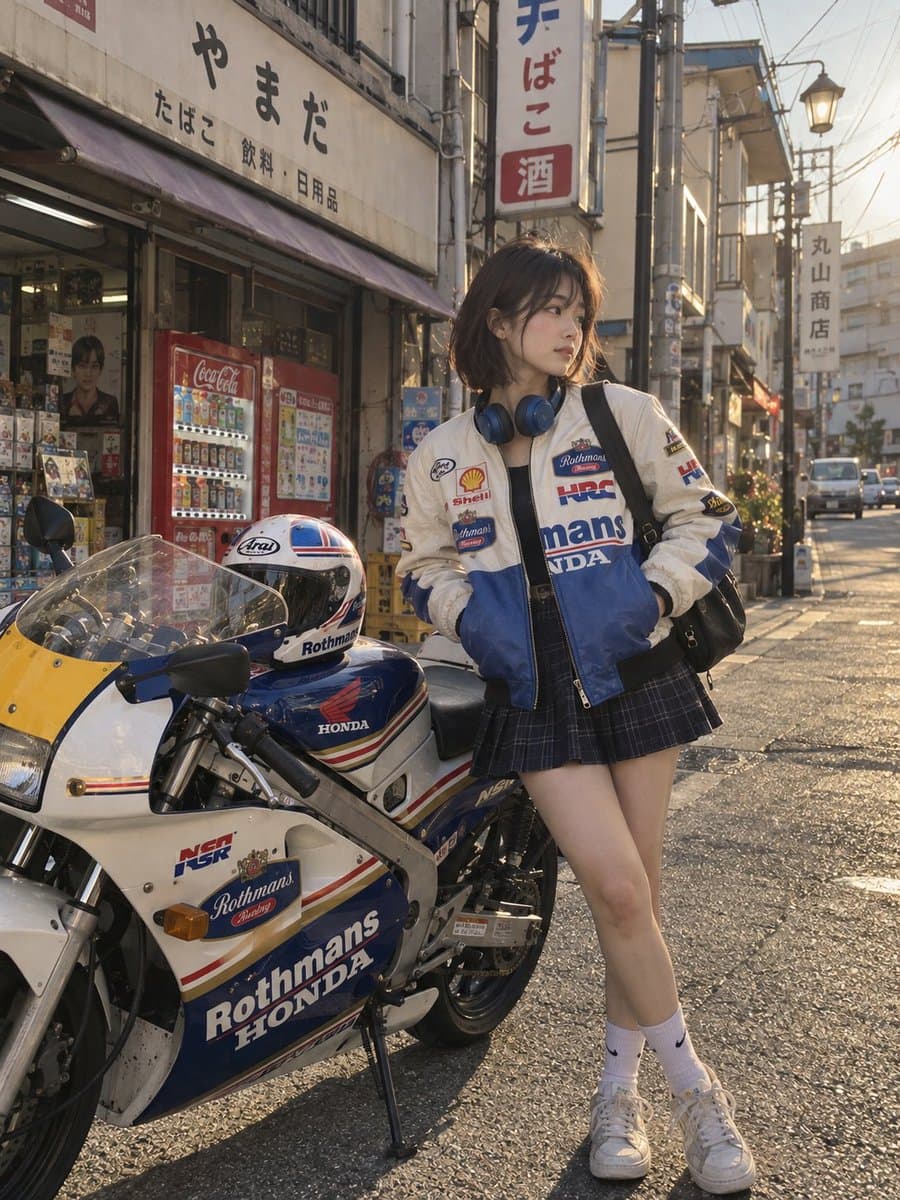
GPT image 2.5 on higgsfield Prompt Create a premium editorial-style illustrated travel poster inspired by the uploaded reference image. Keep the overall composi…
Prompt
GPT image 2.5 on higgsfield Prompt Create a premium editorial-style illustrated travel poster inspired by the uploaded reference image. Keep the overall composition, character styling, motorcycle …
Same creator
 Claude Opus 5.5 - Grid EffectAI Video · 2026-10-26
 Beat-Synced Burst Cuts of a Character Across Five WorldsAI Video · MiniMax H3 · 2026-10-03
 Braided Swordswoman Breaks Out of the Letterbox FrameAI Video · Seedance 2.5 · 2026-10-03
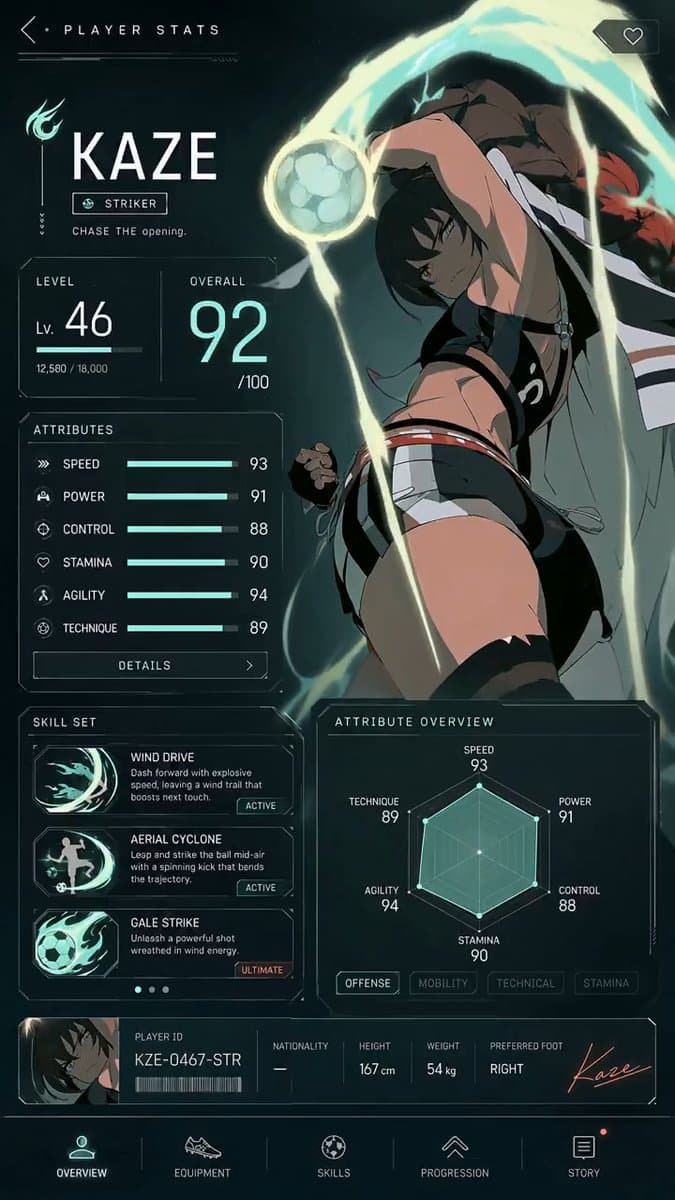 GPT Image 2 + MiniMax H3 Player Stats Panel Intro AnimationAI Video · MiniMax H3 · 2026-08-19
 Hands Build a Subject from Scratch in TimelapseAI Video · MiniMax H3 · 2026-09-14
 MiniMax H3 Character Entrance Introduction TemplateAI Video · MiniMax H3 · 2026-08-19
Each detail page keeps the original result, the prompt, and retest evidence in one reading path.