


Loading…
Creator · Ziha_ai
Source postreplies 26reposts 13saves 98
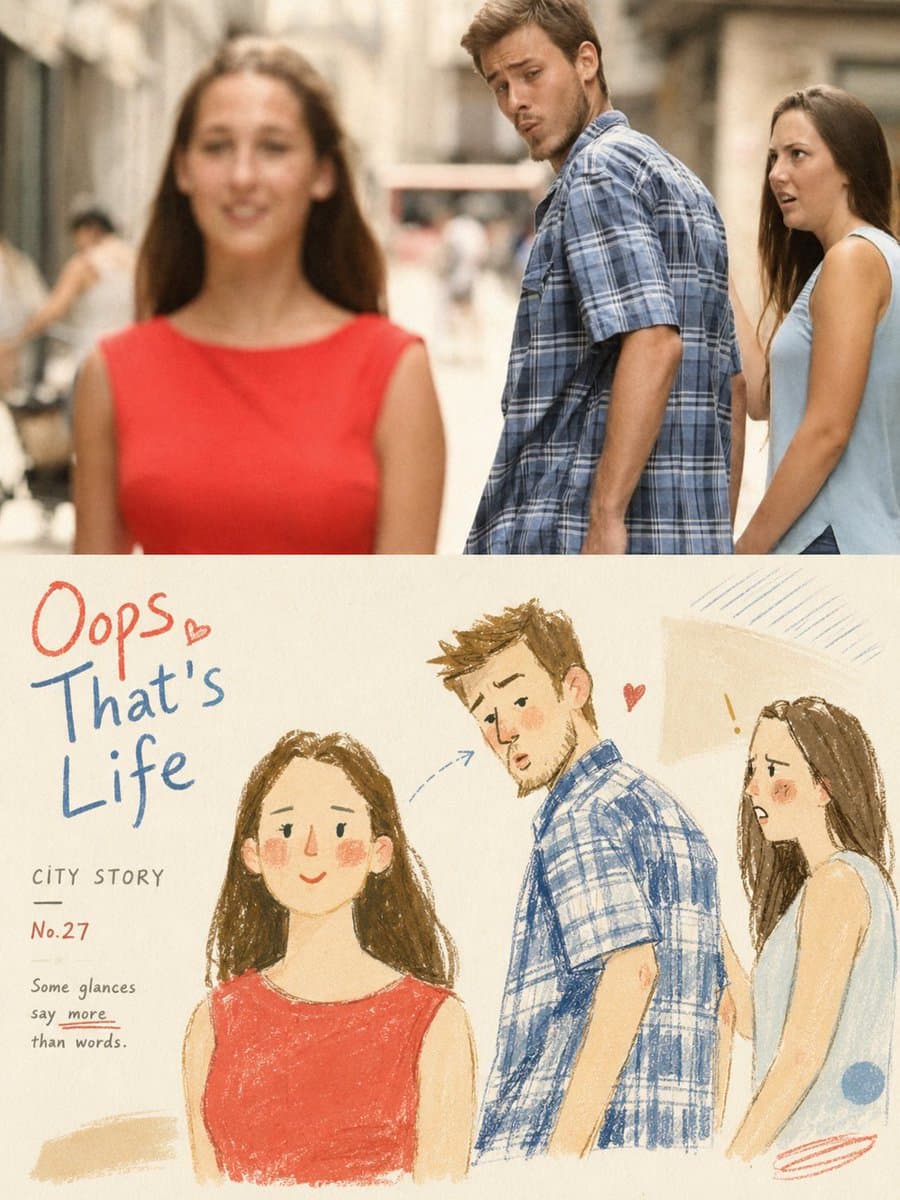
Create a 3:4 vertical poster using the photo I have uploaded. The composition should be divided roughly into two equal halves, joined by a clean, horizontal boundary.
【Top Half | Original Photo】
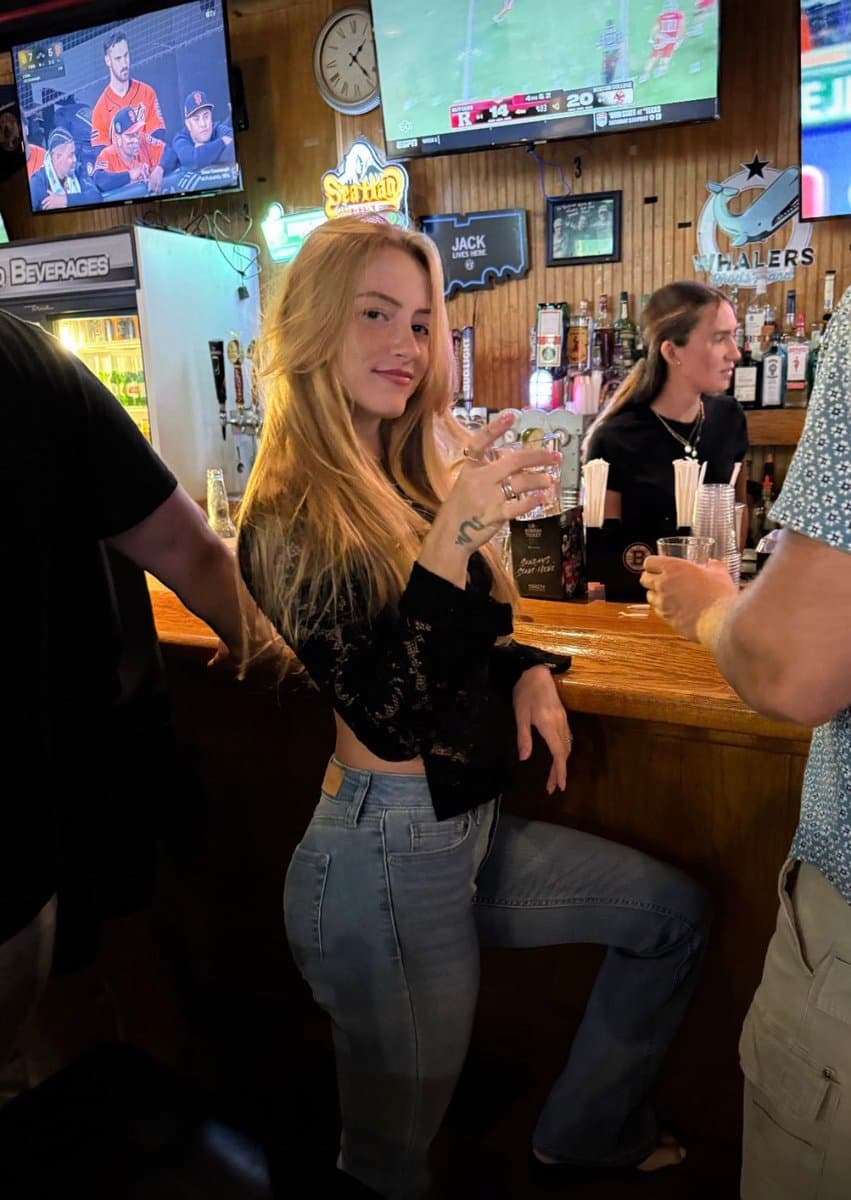
Use the uploaded original photo as the image layer, preserving its original composition, subjects (people or objects), colors, and lighting. Scale the image to fit the top section while ensuring the entire scene remains visible; if the aspect ratio differs, fill the remaining space with a warm, off-white (cream) background.
【Bottom Half | Retro Geometric Illustration of the Same Scene】
Translate the scene from the photo into a Mid-Century Modern-style editorial illustration. Retain the most recognizable subjects, poses, perspectives, and spatial relationships so that the connection to the photo above is immediately apparent. Simplify forms using arcs, circular sectors, translucent color overlays, and delicate, thin lines, while omitting minor background details. The style should feature a warm, off-white paper texture, subtle printing grain, and soft ink-like qualities—reminiscent of a feature cover from a vintage design magazine.
【Title and Color Swatches】
Generate a two-word English title based on the subject and atmosphere of the photo. Place this in the upper-left portion of the illustration area, using a large, high-contrast serif typeface, with one word per line. The first line should be in a dark color, while the second line should use the most prominent accent color found in the photo. Ensure the title has its own dedicated space, and position the main elements of the illustration toward the center-right.
Extract five representative colors from the original photo—including primary, secondary, accent, dark, and light tones. Use this color palette for the illustration in the bottom half, and display these colors as a vertical row of evenly spaced, small circular swatches in the lower-left corner of the illustration area. The only text on the poster should be the generated title. The final output should be a complete, finished poster.Models & stability
Recommended models
Input assets
Input images used to produce this case; copy any prompt that comes with one.


Keep exploring
GPT image 2.5 Prompt: A sophisticated minimalist lifestyle art poster featuring [PERSON / SUBJECT / MOMENT] as the central focus, transformed from a real-life p…
Prompt
A sophisticated minimalist lifestyle art poster featuring [PERSON / SUBJECT / MOMENT] as the central focus, transformed from a real-life photograph into a refined hand-drawn editorial illustration. P…
A GPT Image 2 prompt that transforms each uploaded photo into a split-screen design, with the original image on top and a vintage watercolor illustration below.
Prompt
Turn each photo I upload into a separate premium design poster. Do not combine multiple images; output each photo separately. Use an overall 3:4 vertical composition divided into two regions with a strict 1:1 height ratio, each occupying 50

Prompt
"style": "Japanese anime manga illustration, clean detailed linework, soft cel shading", "aspect_ratio": "9:16", "composition": "Vertical layered character collage featuring fo
Same creator
Each detail page keeps the original result, the prompt, and retest evidence in one reading path.

