

Verified installable Agent Skill
SKILL.md + .skillInstall into your agent.
npx skills add LearnPrompt/goodcase-lite --skill web-section-recreation-spec-by-aqq5ux --global --copy --yes --full-depthLoading…
Skill · Creator method
A recurring web section recreation spec method derived from 7 published cases by Aceternity UI.
7 Cases · 1 Creators · AI Coding (UI) · Latest example 08/13/2026


Verified installable Agent Skill
SKILL.md + .skillnpx skills add LearnPrompt/goodcase-lite --skill web-section-recreation-spec-by-aqq5ux --global --copy --yes --full-depthMethod skeleton
Creator evidence
Case evidence
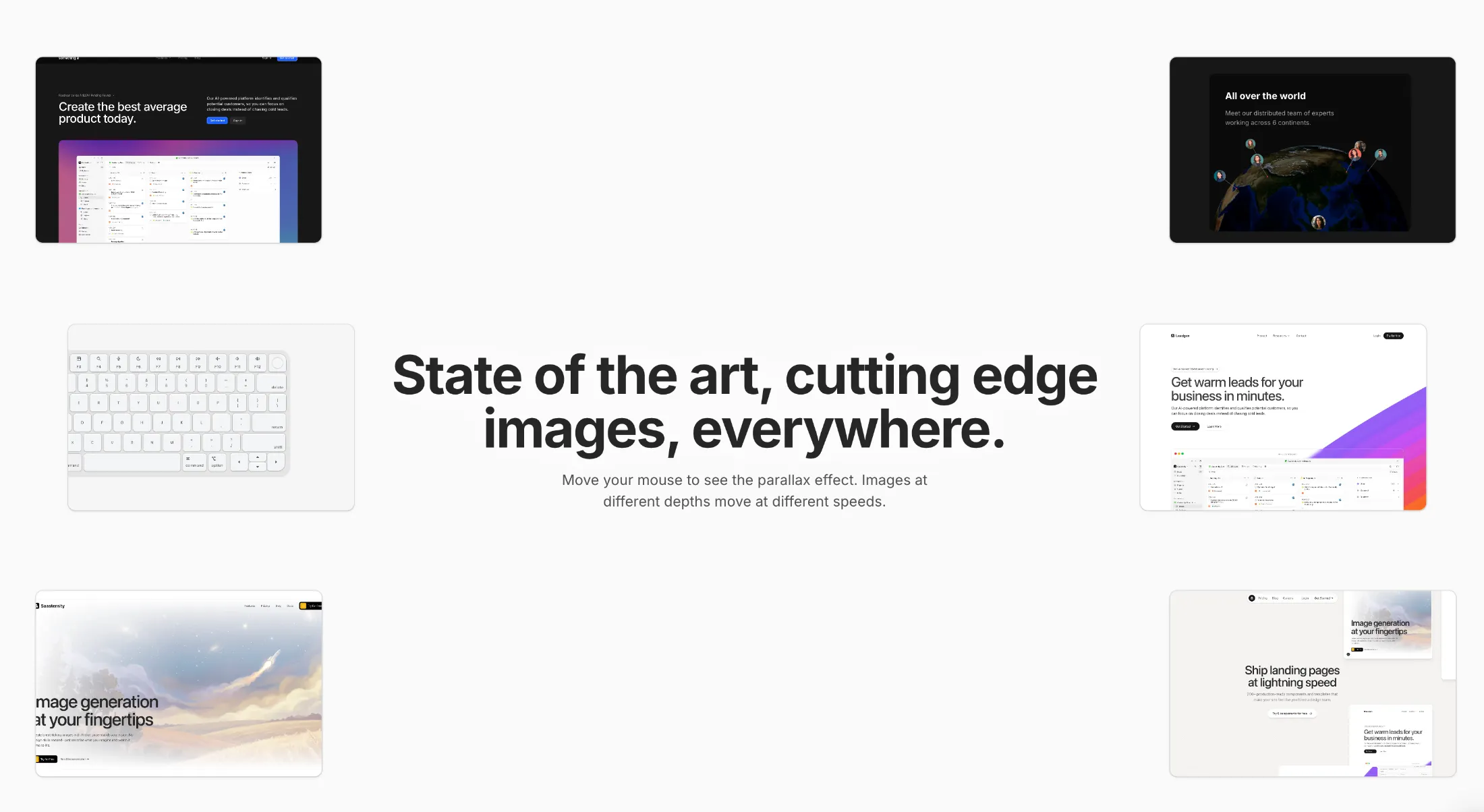
Copy this TSX component source and hand it to an AI coding tool such as Cursor, v0 or Claude, noting it is the Aceternity UI implementation of Parallax Hero Images. The tool can then wire it into your React project, and you swap in your own copy, colors and trigger parameters.
Prompt
// components/ui/parallax-hero-images.tsx "use client"; import React, { useEffect, useState, useMemo, useCallback, memo } from "react"; import { motion, useMotionValue, useSpring, useTransform, MotionValue, } from "motion/react"; import { …

Copy this TSX component source and hand it to an AI coding tool such as Cursor, v0 or Claude, noting it is the Aceternity UI implementation of Text Hover Effect. The tool can then wire it into your React project, and you swap in your own copy, colors and trigger parameters.
Prompt
// components/ui/text-hover-effect.tsx "use client"; import React, { useRef, useEffect, useState } from "react"; import { motion } from "motion/react"; export const TextHoverEffect = ({ text, duration, }: { text: string; duration?: number;…
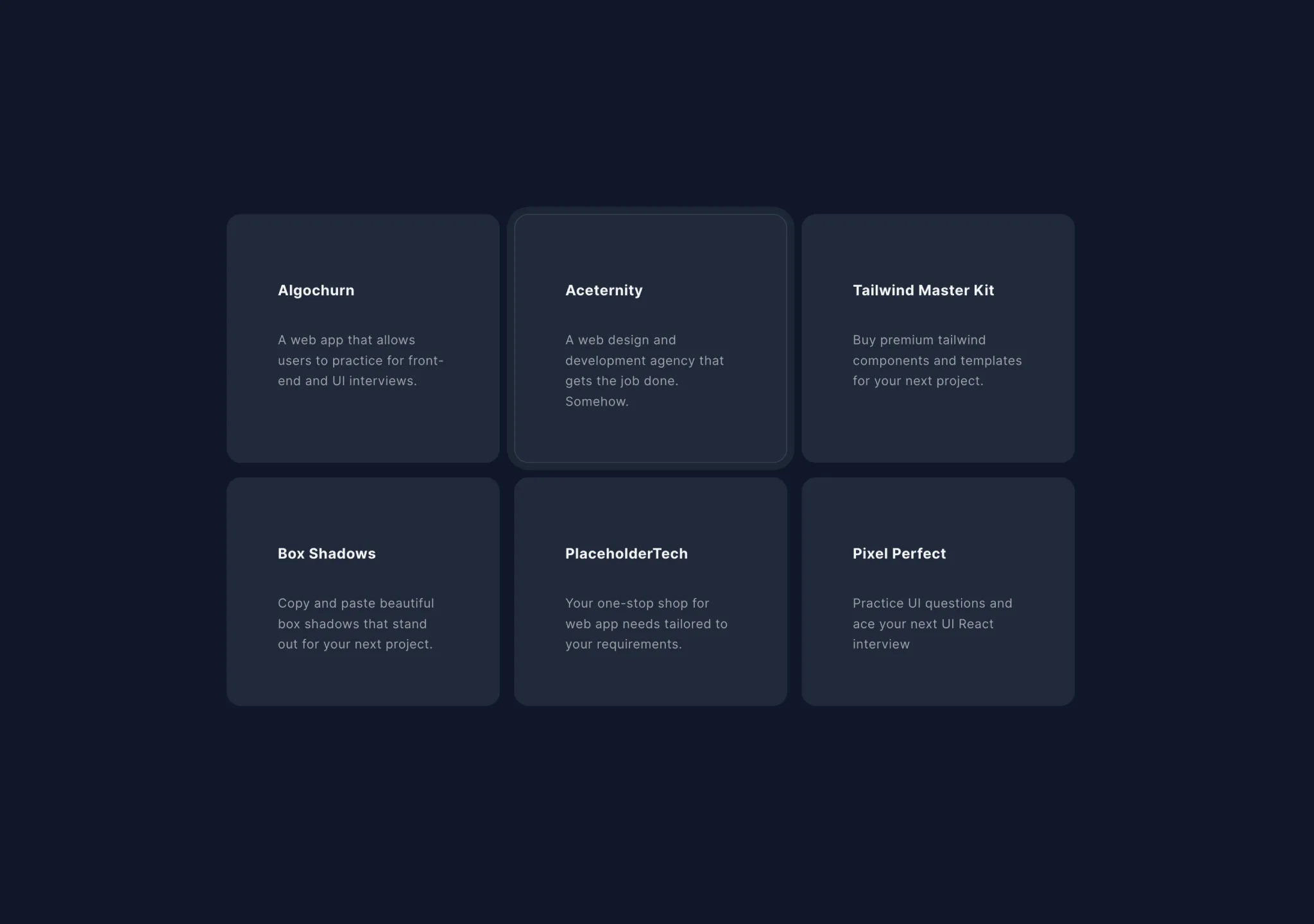
Copy this TSX component source into an AI coding tool such as Cursor, v0, or Claude, and tell it this is the Aceternity UI Hover Effect component. It can then wire it into your React project, and you can swap the copy, colors, and trigger parameters to reuse it.
Prompt
// components/ui/card-hover-effect.tsx import { cn } from "@/lib/utils"; import { AnimatePresence, motion } from "motion/react"; import { useState } from "react"; export const HoverEffect = ({ items, className, }: { items: { title: string;…

Copy this TSX component source into an AI coding tool such as Cursor, v0, or Claude, and tell it this is the Aceternity UI Hero Highlight component. It can then wire it into your React project, and you can swap the copy, colors, and trigger parameters to reuse it.
Prompt
// components/ui/hero-highlight.tsx "use client"; import { cn } from "@/lib/utils"; import { useMotionValue, motion, useMotionTemplate } from "motion/react"; import React from "react"; export const HeroHighlight = ({ children, className, c…
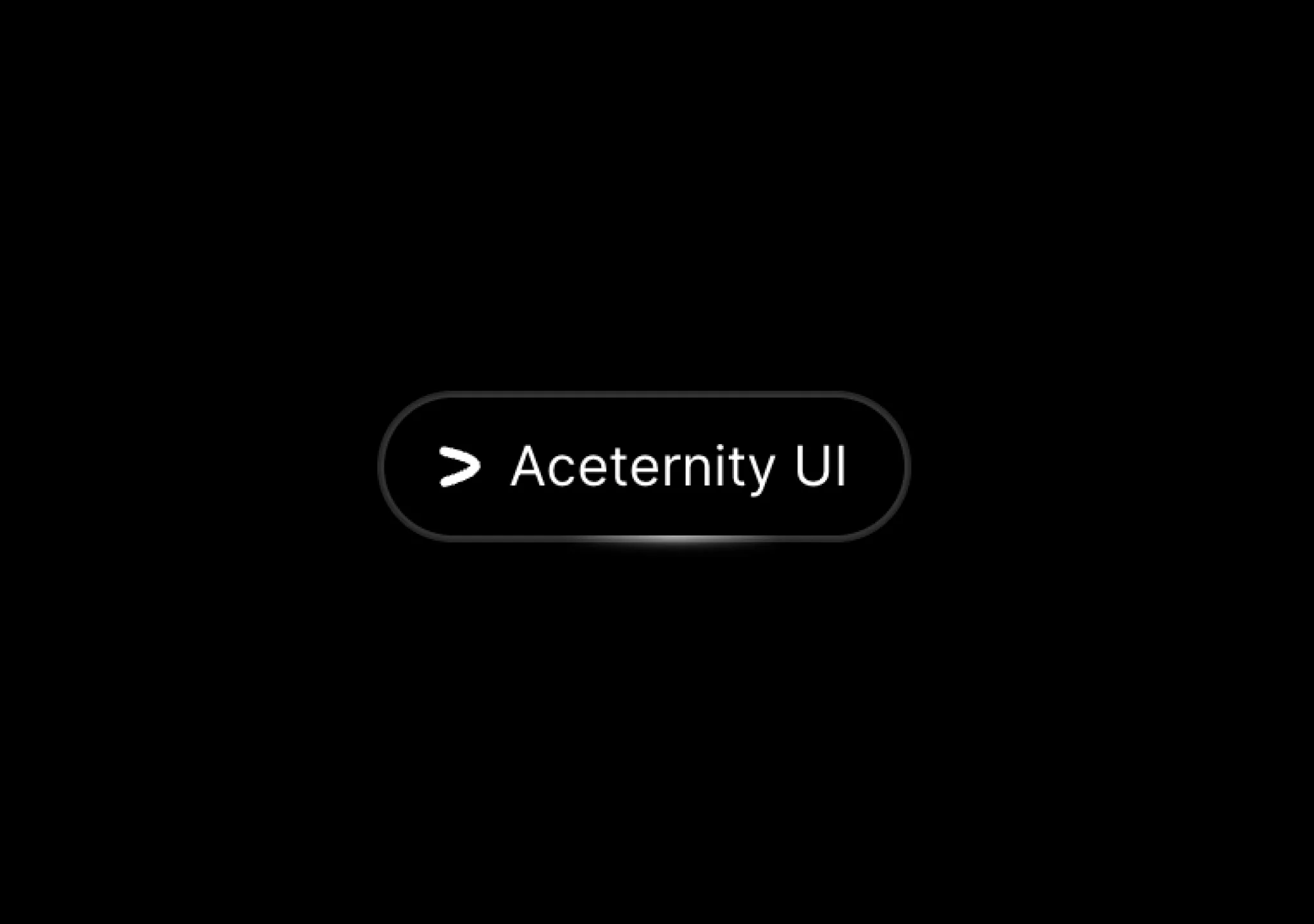
Copy this TSX component source into an AI coding tool such as Cursor, v0, or Claude, and tell it this is the Aceternity UI Hover Border Gradient component. It can then wire it into your React project, and you can swap the copy, colors, and trigger parameters to reuse it.
Prompt
// components/ui/hover-border-gradient.tsx "use client"; import React, { useState, useEffect, useRef } from "react"; import { motion } from "motion/react"; import { cn } from "@/lib/utils"; type Direction = "TOP" | "LEFT" | "BOTTOM" | "RIG…

Copy this TSX component source into an AI coding tool such as Cursor, v0, or Claude, and tell it this is the Aceternity UI Hero Parallax component. It can then wire it into your React project, and you can swap the copy, colors, and trigger parameters to reuse it.
Prompt
// components/ui/hero-parallax.tsx "use client"; import React from "react"; import { motion, useScroll, useTransform, useSpring, MotionValue, } from "motion/react"; export const HeroParallax = ({ products, }: { products: { title: string; l…
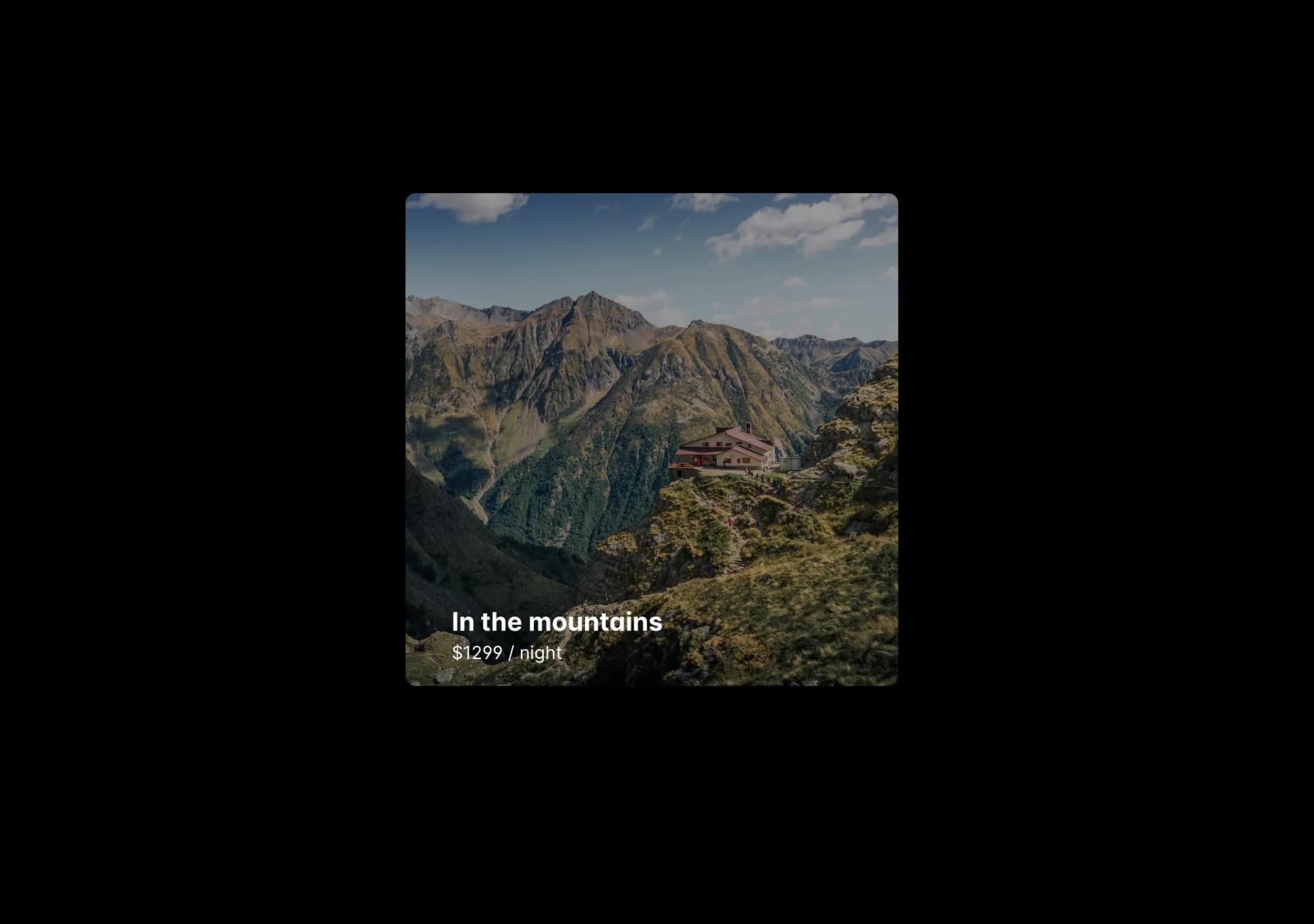
Copy this TSX component source into an AI coding tool such as Cursor, v0, or Claude, and tell it this is the Aceternity UI Direction Aware Hover component. It can then wire it into your React project, and you can swap the copy, colors, and trigger parameters to reuse it.
Prompt
// components/ui/direction-aware-hover.tsx "use client"; import { useRef, useState } from "react"; import { AnimatePresence, motion } from "motion/react"; import { cn } from "@/lib/utils"; export const DirectionAwareHover = ({ imageUrl, ch…