

已验证 · 可安装 Agent Skill
SKILL.md + .skill把这套方法装进你的 Agent。
npx skills add LearnPrompt/goodcase-lite --skill web-section-recreation-spec-by-aqq5ux --global --copy --yes --full-depth加载中…
Skill · 作者方法
从 Aceternity UI 的 7 个已发布 Case 中归纳出的「网页区块像素复刻」方法。
7 Cases · 1 位作者 · AI 编程(UI) · 最近例证 2026/08/13


已验证 · 可安装 Agent Skill
SKILL.md + .skillnpx skills add LearnPrompt/goodcase-lite --skill web-section-recreation-spec-by-aqq5ux --global --copy --yes --full-depth方法骨架
作者证据
Case 证据
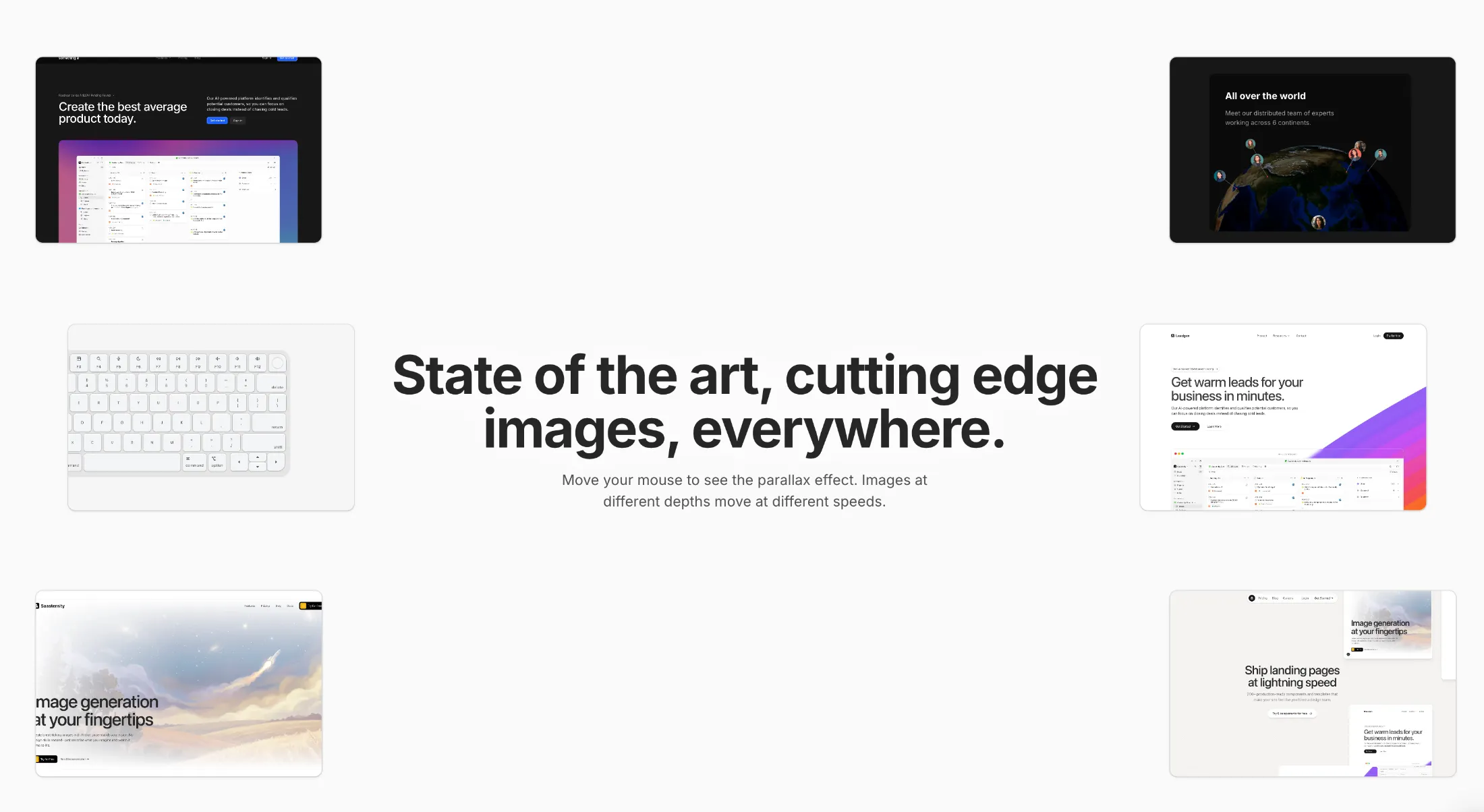
复制这段 TSX 组件源码,交给 Cursor、v0、Claude 等 AI 编程工具,说明这是「Parallax Hero Images」的 Aceternity UI 组件实现,即可让它接入你的 React 项目,再按需替换文案、配色与触发参数复用。
提示语
// components/ui/parallax-hero-images.tsx "use client"; import React, { useEffect, useState, useMemo, useCallback, memo } from "react"; import { motion, useMotionValue, useSpring, useTransform, MotionValue, } from "motion/react"; import { …

复制这段 TSX 组件源码,交给 Cursor、v0、Claude 等 AI 编程工具,说明这是「Text Hover Effect」的 Aceternity UI 组件实现,即可让它接入你的 React 项目,再按需替换文案、配色与触发参数复用。
提示语
// components/ui/text-hover-effect.tsx "use client"; import React, { useRef, useEffect, useState } from "react"; import { motion } from "motion/react"; export const TextHoverEffect = ({ text, duration, }: { text: string; duration?: number;…
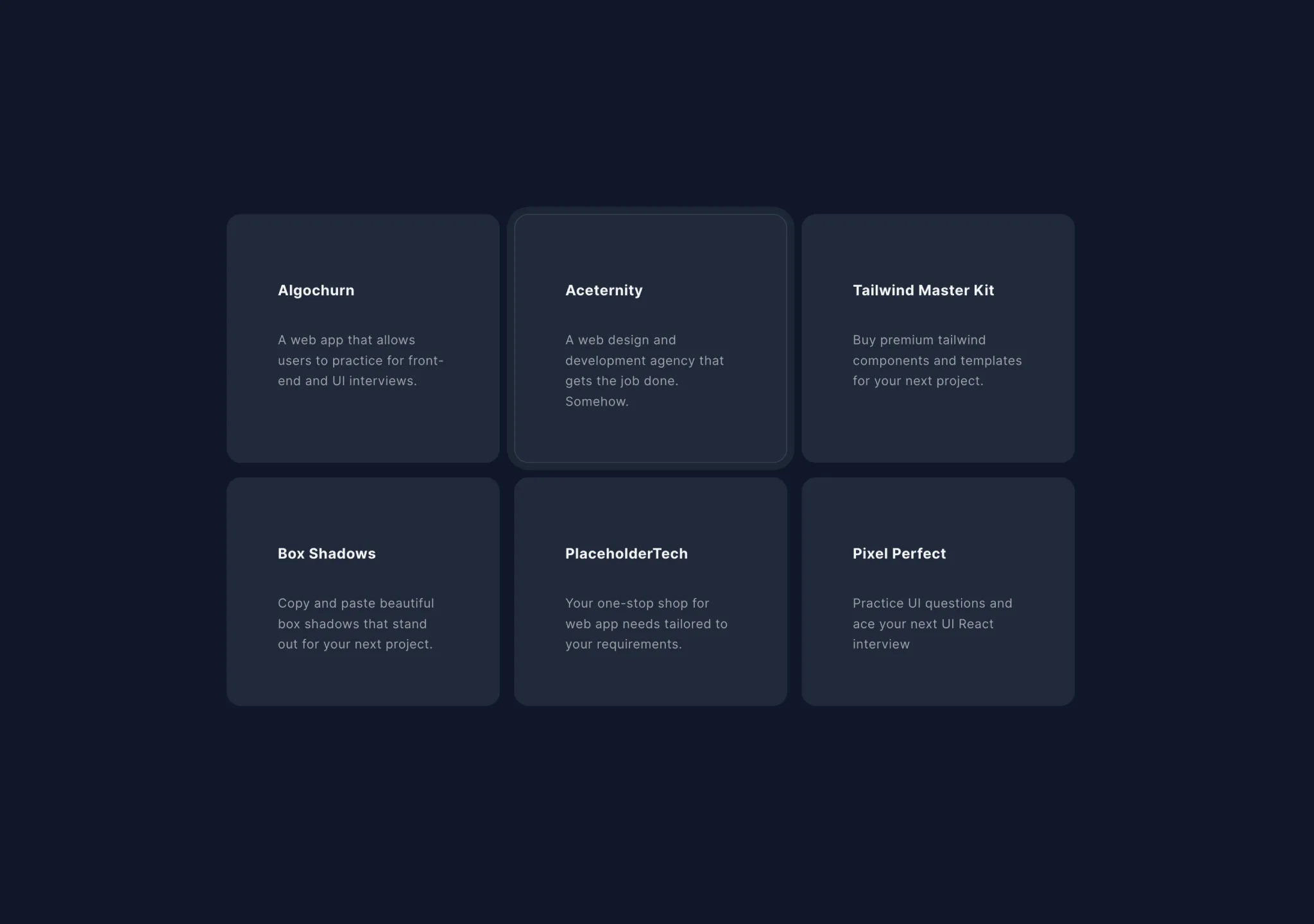
复制这段 TSX 组件源码,交给 Cursor、v0、Claude 等 AI 编程工具,说明这是「Hover Effect」的 Aceternity UI 组件实现,即可让它接入你的 React 项目,再按需替换文案、配色与触发参数复用。
提示语
// components/ui/card-hover-effect.tsx import { cn } from "@/lib/utils"; import { AnimatePresence, motion } from "motion/react"; import { useState } from "react"; export const HoverEffect = ({ items, className, }: { items: { title: string;…

复制这段 TSX 组件源码,交给 Cursor、v0、Claude 等 AI 编程工具,说明这是「Hero Highlight」的 Aceternity UI 组件实现,即可让它接入你的 React 项目,再按需替换文案、配色与触发参数复用。
提示语
// components/ui/hero-highlight.tsx "use client"; import { cn } from "@/lib/utils"; import { useMotionValue, motion, useMotionTemplate } from "motion/react"; import React from "react"; export const HeroHighlight = ({ children, className, c…
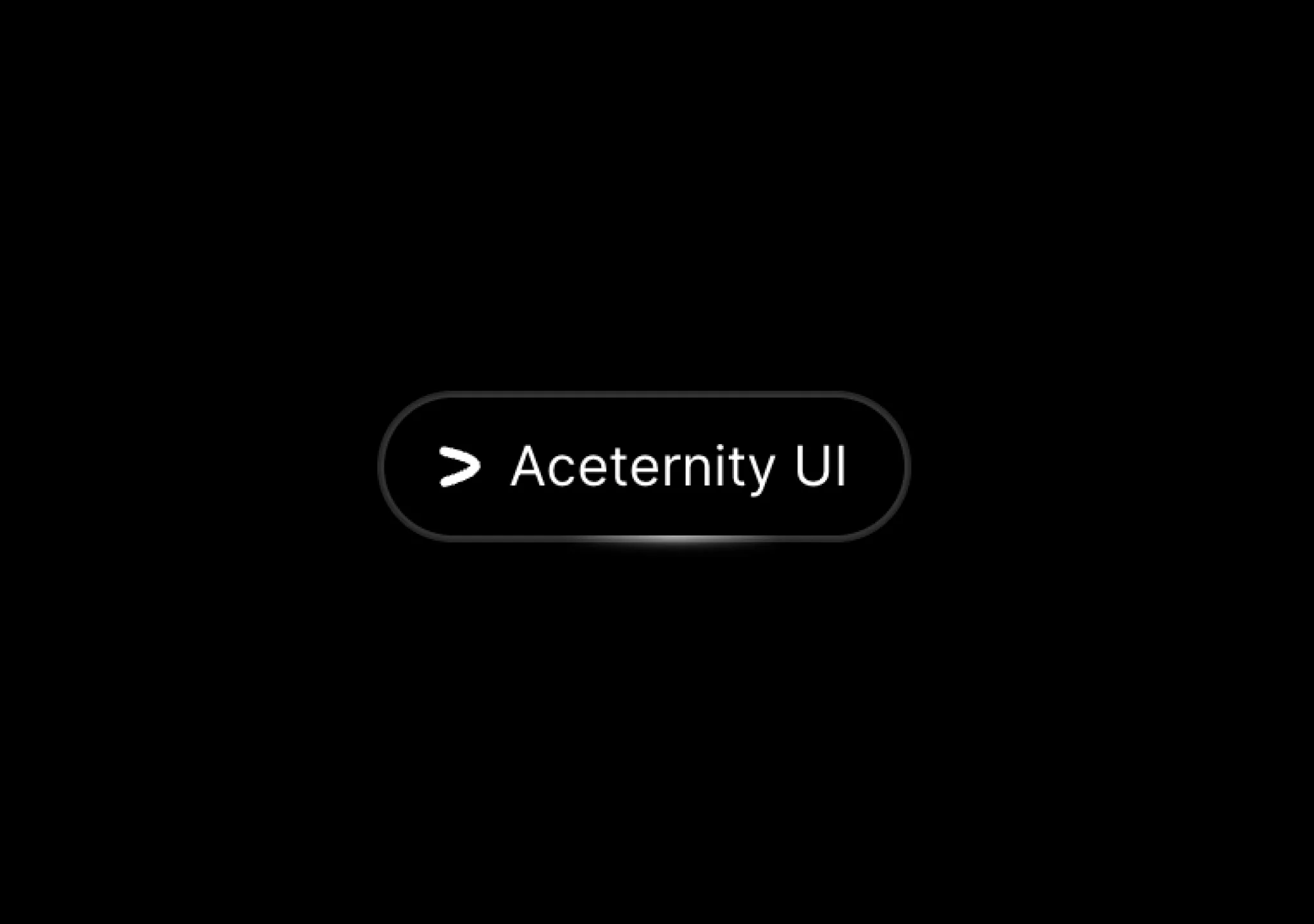
复制这段 TSX 组件源码,交给 Cursor、v0、Claude 等 AI 编程工具,说明这是「Hover Border Gradient」的 Aceternity UI 组件实现,即可让它接入你的 React 项目,再按需替换文案、配色与触发参数复用。
提示语
// components/ui/hover-border-gradient.tsx "use client"; import React, { useState, useEffect, useRef } from "react"; import { motion } from "motion/react"; import { cn } from "@/lib/utils"; type Direction = "TOP" | "LEFT" | "BOTTOM" | "RIG…

复制这段 TSX 组件源码,交给 Cursor、v0、Claude 等 AI 编程工具,说明这是「Hero Parallax」的 Aceternity UI 组件实现,即可让它接入你的 React 项目,再按需替换文案、配色与触发参数复用。
提示语
// components/ui/hero-parallax.tsx "use client"; import React from "react"; import { motion, useScroll, useTransform, useSpring, MotionValue, } from "motion/react"; export const HeroParallax = ({ products, }: { products: { title: string; l…

复制这段 TSX 组件源码,交给 Cursor、v0、Claude 等 AI 编程工具,说明这是「Direction Aware Hover」的 Aceternity UI 组件实现,即可让它接入你的 React 项目,再按需替换文案、配色与触发参数复用。
提示语
// components/ui/direction-aware-hover.tsx "use client"; import { useRef, useState } from "react"; import { AnimatePresence, motion } from "motion/react"; import { cn } from "@/lib/utils"; export const DirectionAwareHover = ({ imageUrl, ch…